
Showing posts with label Science. Show all posts
Showing posts with label Science. Show all posts
Friday, February 27, 2015
MinecraftEdu in 8th Grade Science
As part of a unit on the earth's surface and topographical maps, 8th grade students came to the computer lab where they worked as a team to create a virtual topographical map in MinecraftEDU. They were first given a mountain that they were to mark each elevation pint using different color blocks. Once completed the class identified steep and gentle slopes as well as made predictions about erosion. Next they were challenged to build a mountain up based on the lines given. This proved to be a bit more challenging to work collaboratively and problem solve to complete the task.


Thursday, October 23, 2014
Kahoot!
 Students in Mrs. Pickle's classes are reviewing for an upcoming test over "The Outsiders" with the help of Kahoot. Mrs. Pickle put in a serious of questions that would help the students remember key points and themes from the novel. As a question comes up on the screen, students are challenged to earn the most points possible by being the first right answer. The right answer is then displayed along with how many students answered each choice. This is a prefect opportunity for the teacher to clear up any misunderstandings and answer any questions as they prepare for the test.
Mrs. Pickle is not the only teacher on campus using this web tool to help prepare students. Mr. Lucas' classes used this recently to review science concepts. Using this tool keeps students engaged and learning throughout the class period.
Friday, September 26, 2014
MakerSpace meets Science

 Wednesday, during Enrichment Clusters, 180 6th grade students choose to join Mrs. Kay and Mrs. Young in the library to explore the conductivity of elements as they built game controllers with the help of Makey Makey kits. Makey Makey connects to the computer and uses alligator clips to turn everyday objects into computer keys that will control what is happening on screen. Students worked in teams of four to explore how to create circuits that could be open or closed based on the need of the game. Items used to create these controllers included bananas, apples, celery, carnations, potatoes, paper clips, french fries, pipe cleaners and carrots. Excitement filled the room as students discovered how to create a closed circuit and control the game on screen. This activity will also be repeated Thursday after school for over 60 kids from all 3 grade levels.
This is the first MakerSpace event Mrs. Kay and Mrs. Young are planning to host this year. Makerspace is a educational movement that emphasizes the need for students to built and create to learn. The next event will be in October and will focus on constructing roller coasters.
Here is the lesson and resources used in today's event:
Friday, April 25, 2014
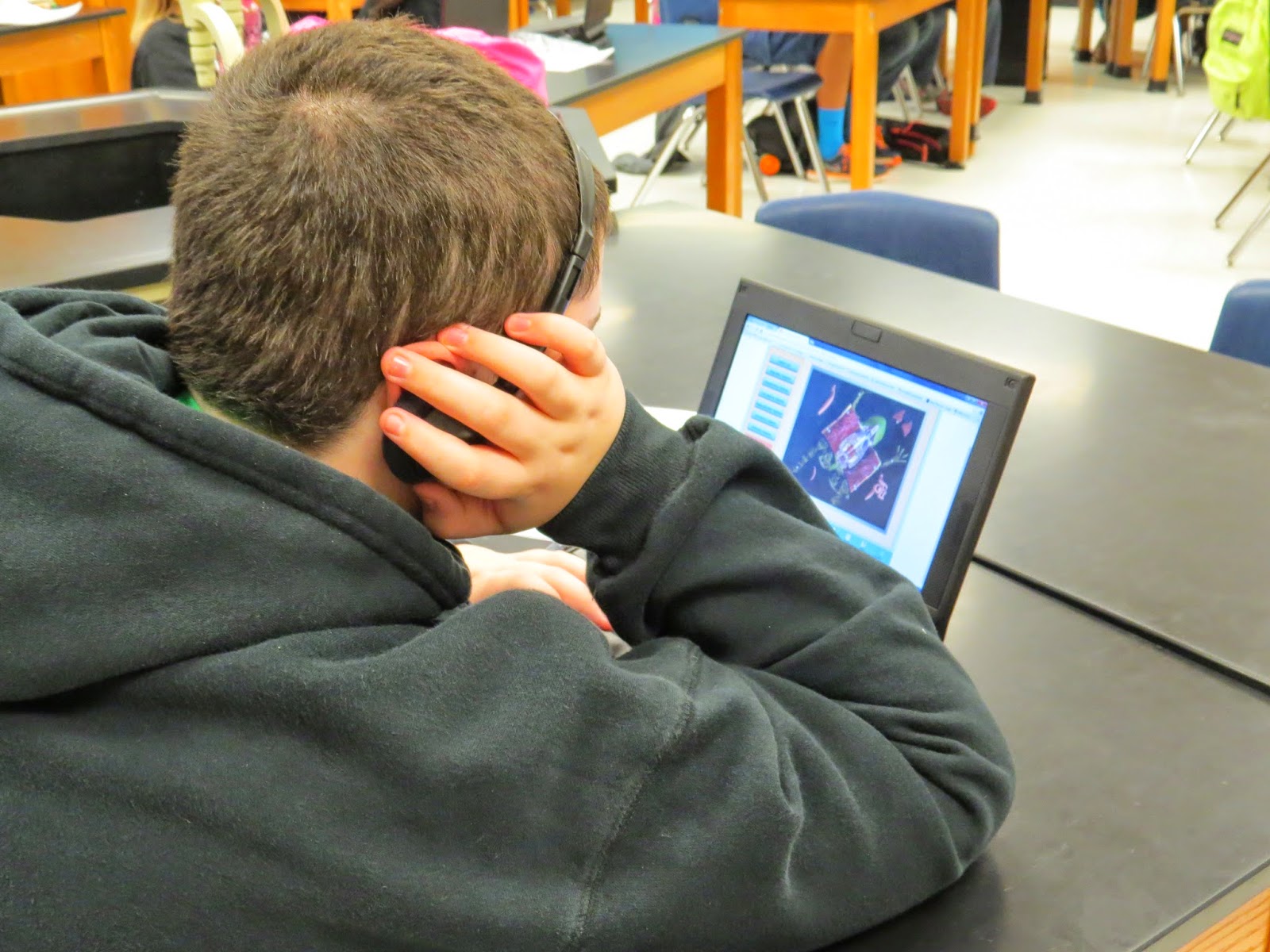
Frog Dissections




Tuesday, April 15, 2014
Reviewing for 8th Grade Science STAAR

Friday, March 21, 2014
Science Review with Kahoot!
Human Body Systems in Science
Students in Ms. Billing's room were learning about different body systems through an online presentation and Brainpop videos. In addition to checking on the students notes they took from the resources that were shared, Ms. Billings checked for understanding as she had students composes a paper tweet about what they had learned or what questions they still had about what had been studied. In Ms. Filary's room students learned about the respiratory system by examining a website and answering questions on a handout.


Thursday, January 9, 2014
8th Grade Science Gets Moving

 Students in 8th grade are getting hands on time with motion detectors and vernier probes this week to create motion graphs by mapping the motion of other students moving at various speeds and paths. This is part of their study of Force and Motion as they learn to differentiate between speed velocity and acceleration.


Monday, September 30, 2013
Food Webs in 7th Grade Science

Thursday, February 21, 2013
Tectonic Vocabulary Goes Music Video
In Mr. Sralla's and Ms. Granda's science class students showed their knowledge of vocabulary words by making Animoto videos to define and illustrate Tectonic vocabulary. Here are some of the student products:
Tectonic Plates
Oceanic Basin
Inner Core
Oceanic Crust
Plasticity
Asthenosphere
Not my FAULT
Inner Core
Stress
Inner Core
Crust
Oceanic Basins
Faults
Stress
Tectonic Plates
Oceanic Basin
Inner Core
Oceanic Crust
Plasticity
Asthenosphere
Not my FAULT
Inner Core
Stress
Inner Core
Crust
Oceanic Basins
Faults
Stress
Thursday, January 10, 2013
Students in Motion

Students in Mr. Alexander's class are learning about velocity Venier Motion Sensors. Students were taught to use the motion detectors and then mapped various motions included walking at various speeds and riding a bicyle. The results were mapped on the Go Motion devices and were later analyzed by the students in class.
Monday, November 12, 2012
What if Elements had facebook accounts?
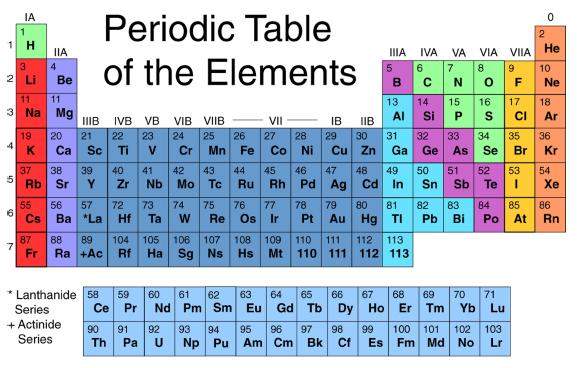
Here are some student samples:
Tuesday, October 30, 2012
Learning What Students Know With Turning Points
 Mrs. Gibson reviewed her 8th grade Science students on their knowledge of elements with a Turning Point Quiz. This uses clickers assigned to students who read the question and do their best to answer the questions. Mrs. Gibson then reviewed the results of each question with the students and clarified any misunderstandings or questions they had. This was in preparation for their upcoming assignment on creating a Facebook like page for their assigned element.
 Wednesday, October 3, 2012
Seventh Grade Science Explores Food Webs with Inspiration
 This week seventh grade science was studying TEK 5C - diagram the flow of energy through living systems, including food chains, food webs, and energy pyramids. Ms. Filary, Mrs. Billings and Mrs. Klaus addressed this TEK by bringing students into the labs to work with the software Inspiration that allows students to make a diagram using images and connect those images with arrows to show the direction of flow in the food web. Students were highly engaged and were able to create their own food webs to show mastery of this concept.
 Here is a sample of the food webs that the students created:

Friday, September 14, 2012
Technology is up and running at RMS
Technology has played a big part in getting back into the school routine this school year.
- Moodle is in use in sixth grade as World Cultures and Science are assessing student knowledge.
- 7th grade math is using technology to reinforce math skills using Sumdog.
- Science teachers are using Stemscopes and Explore Learning in sixth and seventh grade to teach concepts and run simulations.
- Math teachers are assessing Algebra readiness using TEA's MSTAR.
This is going to be a great year for technology at Ridgeview!
Monday, April 16, 2012
BYO Comes to Science

Wednesday, March 7, 2012
Virtual Microscopes in 6th Grade Science
 Mr. Hardesty is introducing microscope skills to his sixth grade science students with the help of a virtual microscope. As part of their exploration of cell theory,;differences between Prokaryotes and Eukaryotes students need to learn how to work a microscope to examine the specimens. Using this website, students learn to use the different adjustments of the microscope in order to get the best picture possible. Images are then recorded by drawing them on to their assignment paper. This is in preparation for bringing out the microscopes in class on Friday so students will have some understanding on how to work the microscope to be able to master the unit objectives.
Friday, November 18, 2011
Texas EcoRegions Project
Seventh grade students recently finished a project on the Ecoregions of Texas. The students spent some time on the computers researching their regions to find information about the geography, physical features, food web, the impact of weathering erosion and deposition. Students were given options on how to report their information back to the class. Choices included powerpoint, prezi, animations and interactive virtual posterboards.
for mrs. billings
by: 111cents
for mrs. billings
by: 111cents
Wednesday, August 31, 2011
Science Uses Technology

Subscribe to:
Posts (Atom)


